MASTERSIM – FMI Co-Simulation Master

MasterSim

The powerful FMI co-simulation master

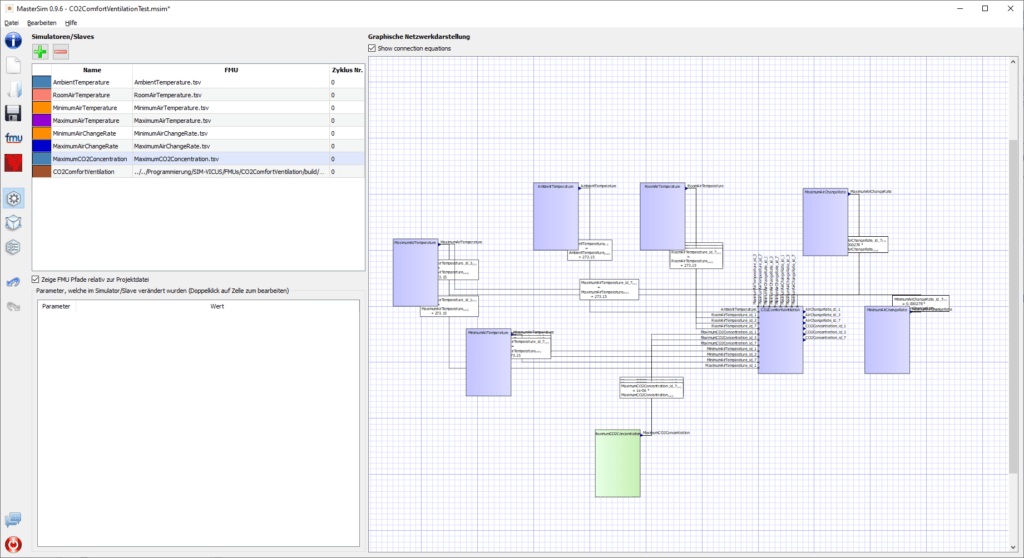
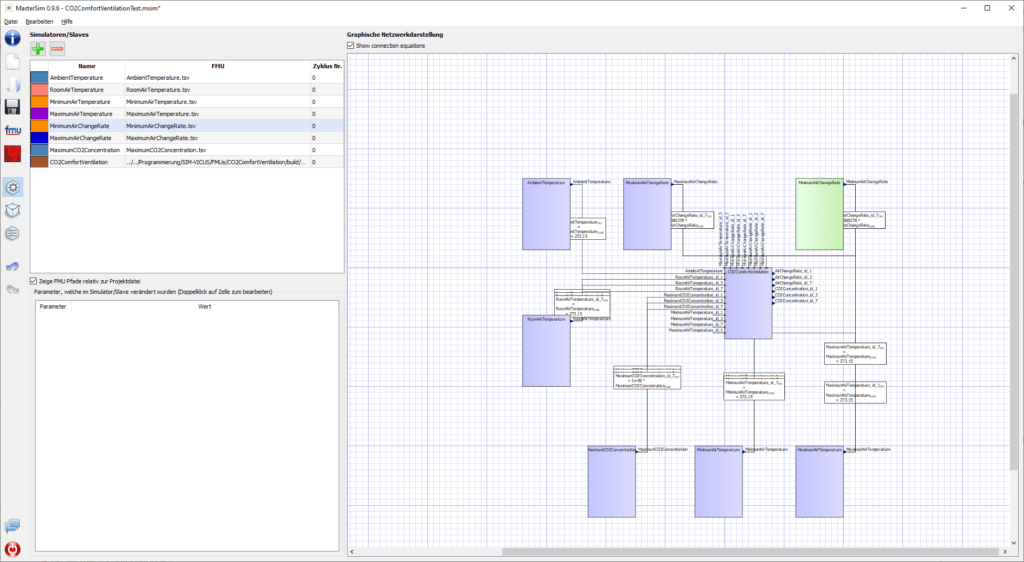
MasterSim interface

Applications of MASTERSIM

FMI 1.0/2.0

FMI 1.0/2.0

Support for co-simulation

Graphical FMU connections

Graphical FMU connections

Simplified methods for connecting FMUs

Simulation scenarios

Simulation scenarios

With multiple FMU instances

Support

Support

For FMU development

Script functionality

Script functionality

For controlling the command-line tool

MASTERSIM screenshots

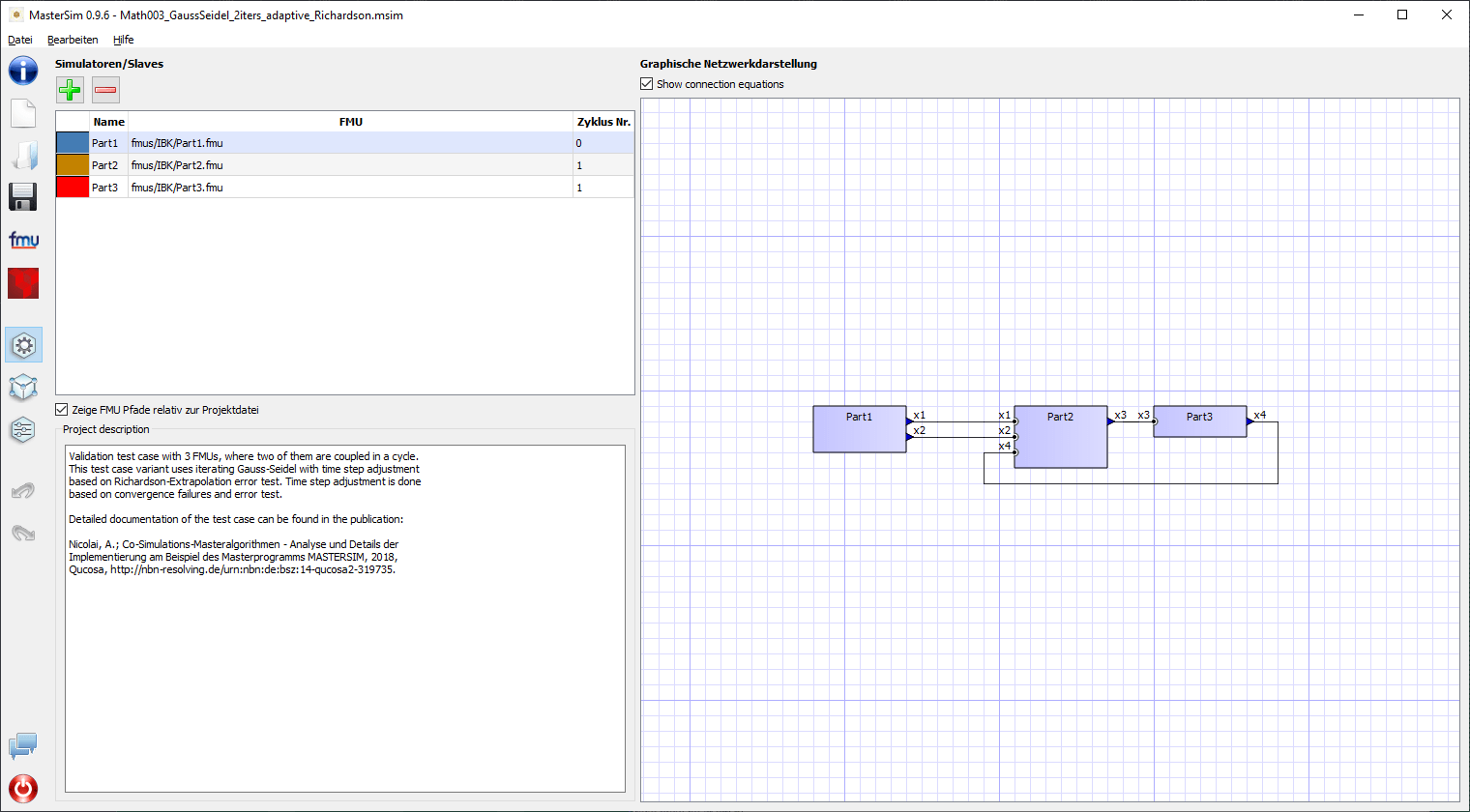
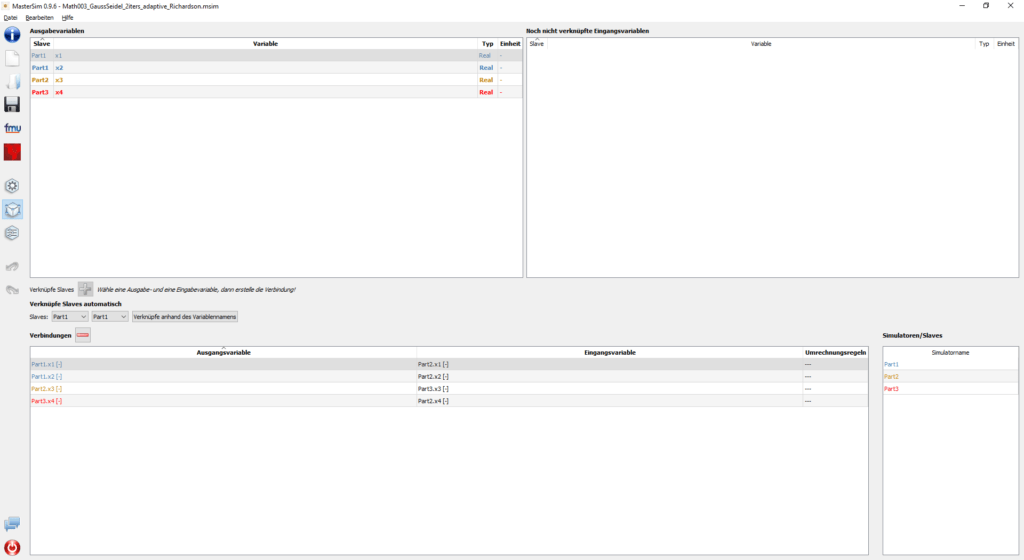
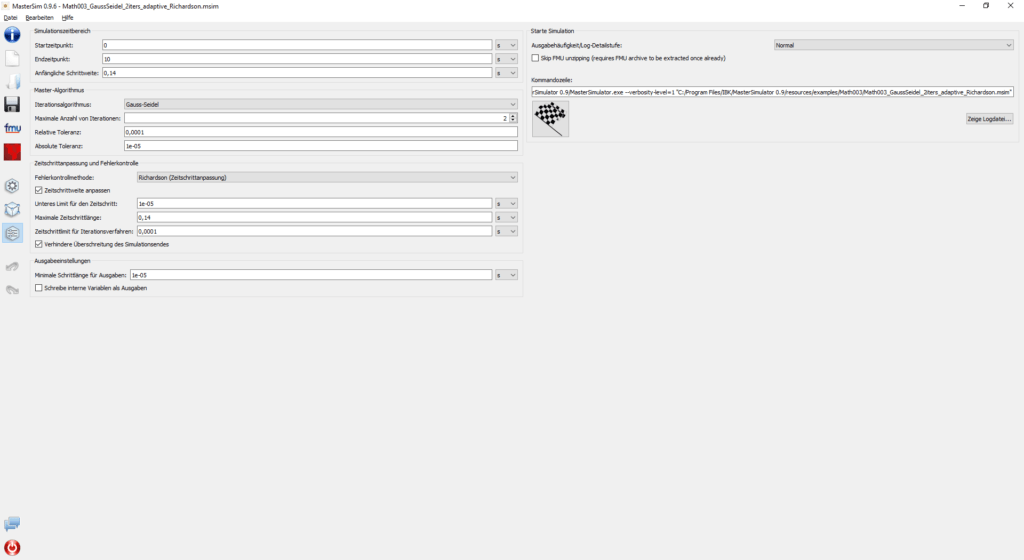
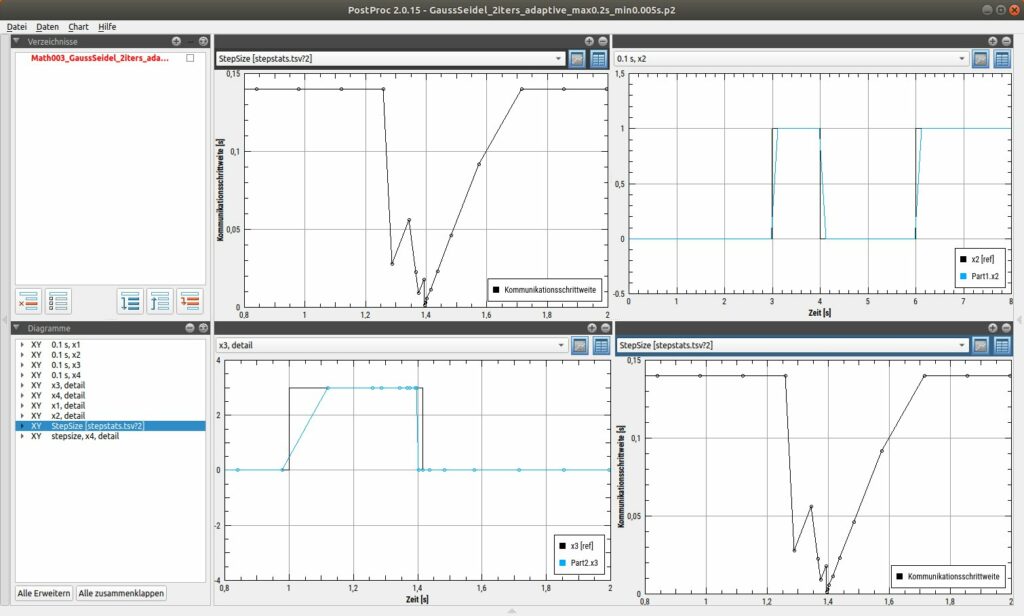
MasterSim screenshot 1MasterSim screenshot 2MasterSim screenshot 3MasterSim screenshot 4

MASTERSIM feature overview

For planning and engineering practice
MasterSim interface
  • Cross-platform development
  • Scripted execution
  • Multiple FMU instances within one co-simulation
  • Detailed configuration of master algorithms
  • Automatic connection function in the GUI
  • Detailed simulation statistics identify time-critical areas
  • Parallel variation studies
  • Diagnostic options assist FMU developers when debugging FMUs
  • Few third-party dependencies
  • Software and source code are actively developed
What further benefits does MASTERSIM provide?
  • The library makes it easy to implement co-simulation functionality in your own programs.
  • FMUs can be unpacked, modelDescription.xml can be read and functions can be loaded from dynamic libraries.
  • Standard master algorithms such as Gauss-Jacobi, Gauss-Seidel and Newton are included and configurable.
  • The MasterSimulator source code and GUI can serve as examples for your own development.
  • FMI co-simulation standards 1.0 and 2.0 are supported.