CCM-Editor is a free tool for editing, checking and converting climate data. It provides a clear view of the data and helps prepare climate files for use in building-physics simulation programs.
Conversion of representative climate data formats
C6B, EPW, WAC and import from spreadsheets.
Conversion of direct horizontal radiation into normal radiation
Necessary depending on the application or simulation tool.
Fast and visual error checking of data sets
Quality checking for reliable climate data sets.
No license costs
The CCM-Editor is free of charge and available to anyone interested.
CCM-Editor screenshots
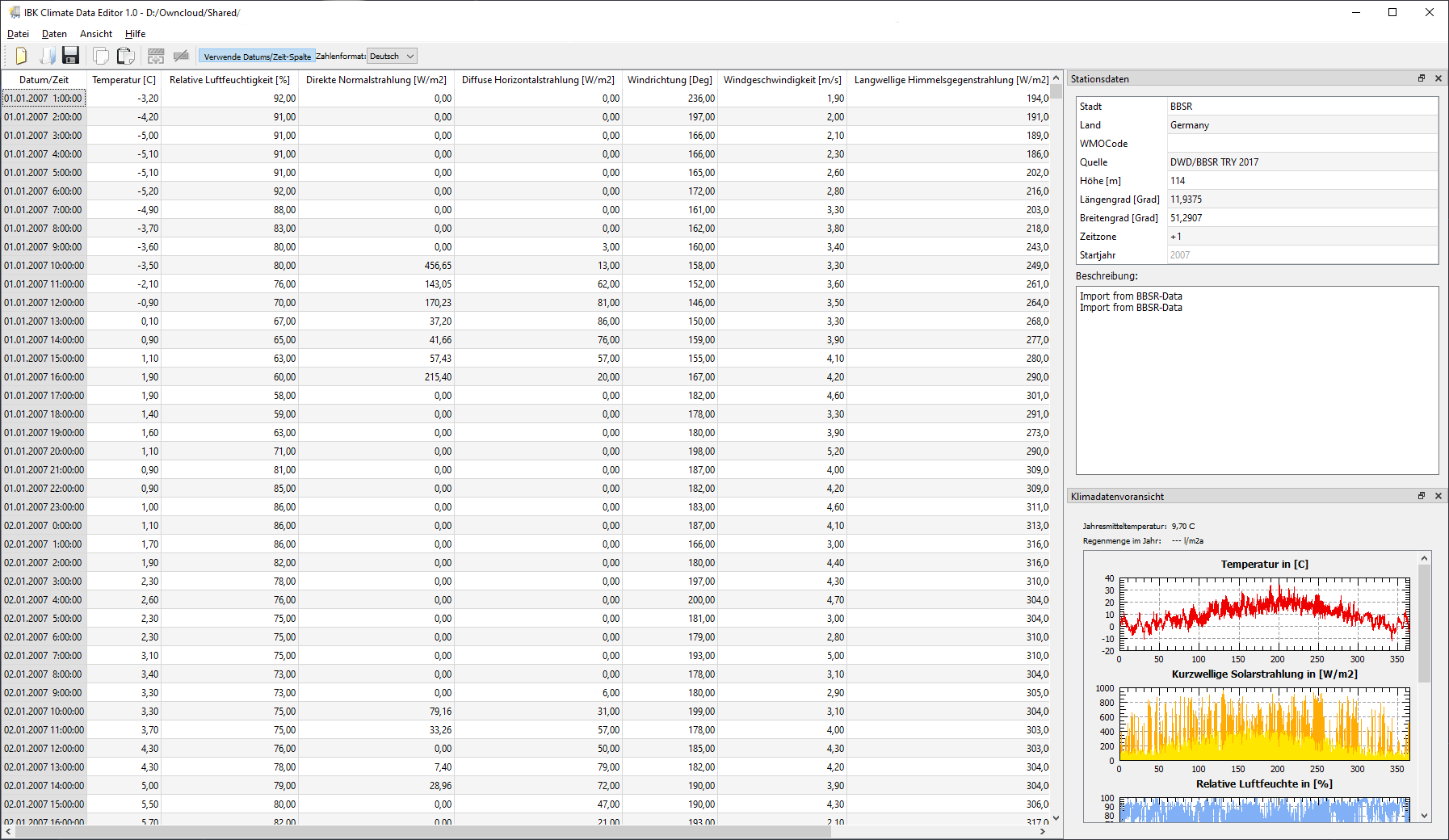
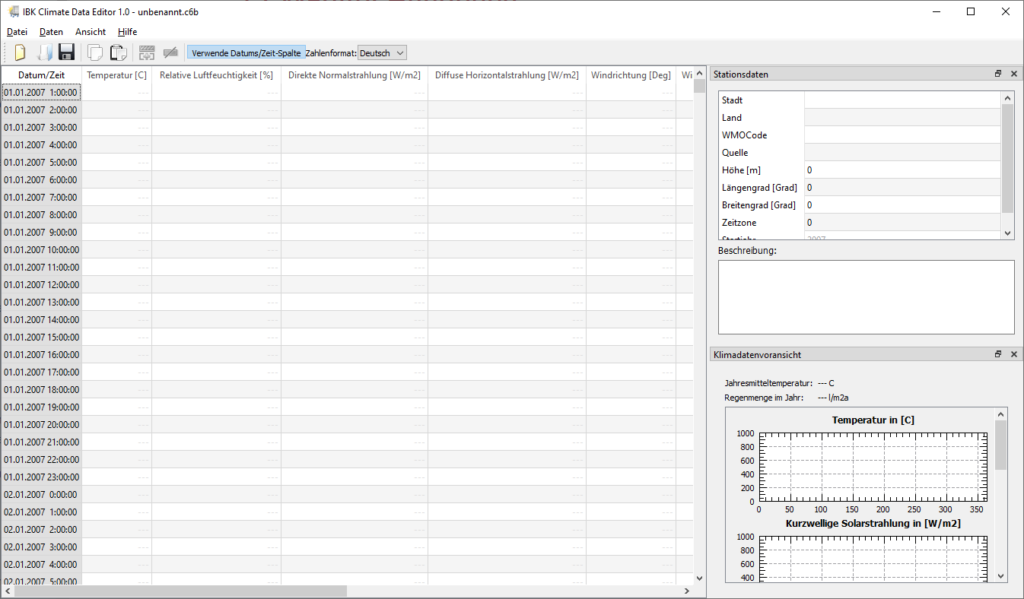
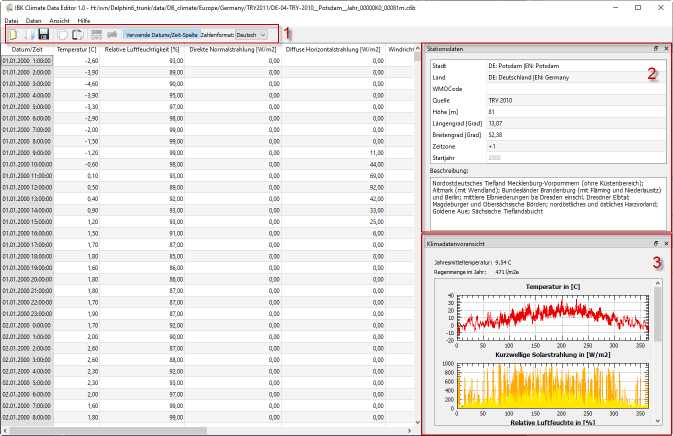
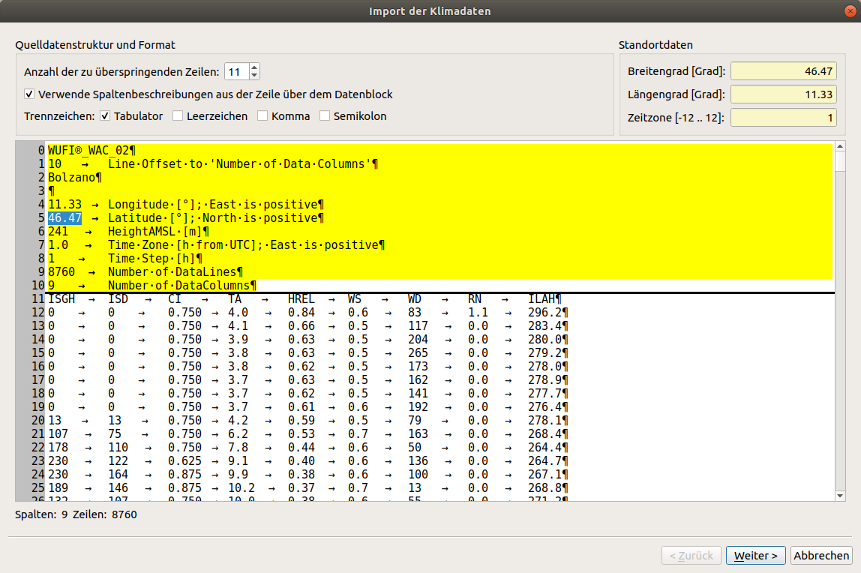
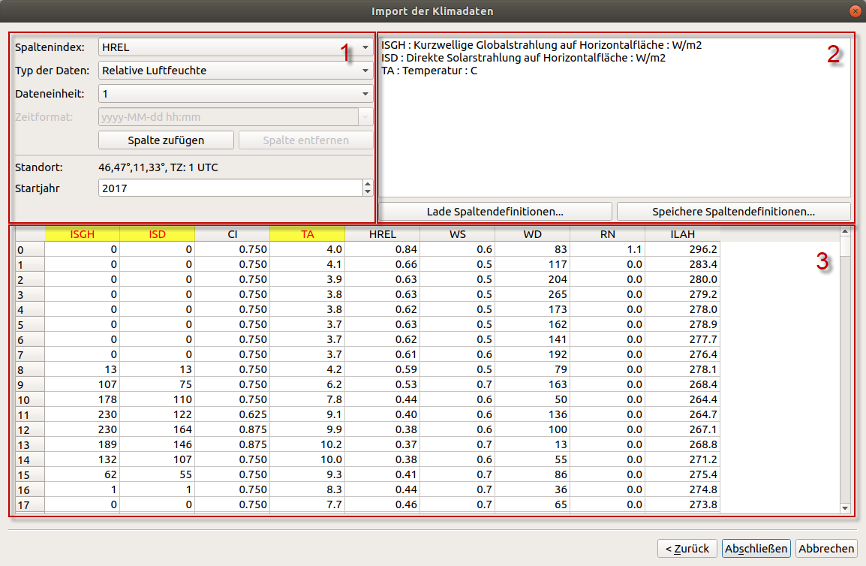
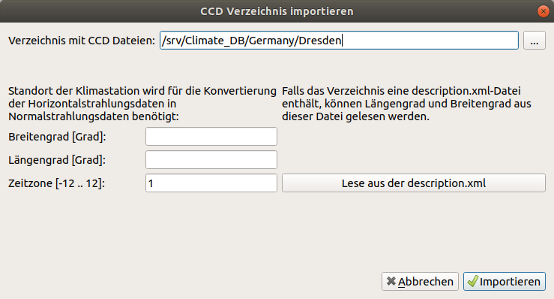
CCM start screenCCM with imported climate dataImport dialog: header selectionEditing the column configurationClimate data directory import dialog
CCM-Editor feature overview
For planning and engineering practice
CCM-Editor is a tool for creating, checking and editing climate data sets.
Climate Calculation Module is the central library for climate data processing and calculation of climatic impacts used by all IBK simulation programs.
Climate location data can be read and edited directly in three formats: *.c6b, *.epw and *.wac.
Convenient data exchange with spreadsheet programs and a generic text-format import wizard.
During import, direct horizontal radiation is converted to normal radiation.
Further information is available in the manual.
A wide range of climate data sets
Most climate data is stored as an annual data set on an hourly grid without leap days, containing exactly 8760 values.
CCM-Editor allows users to create data sets with flexible time points and data points for arbitrary periods.
Every entered value is checked for validity. Invalid values are rejected and reported.
As soon as a value exists in a series, missing points in the series are detected.
Additional functions
Copy data sets or selected ranges to and from the clipboard.
When pasting data, a distinction is made between direct pasting and importing with the import wizard.
Metadata such as station data can be entered in addition to climate data.
The CCM-Editor is free of charge and available for download.